Goomba Cursor
Try this cursor
Preview Goomba Cursor in this sandbox. Hover and click - no extension needed for a test on this page. Download PNG, JPG, or CUR
Move here to see the default cursor
 DefaultMove around the board
 PointerHover a button or link
Description
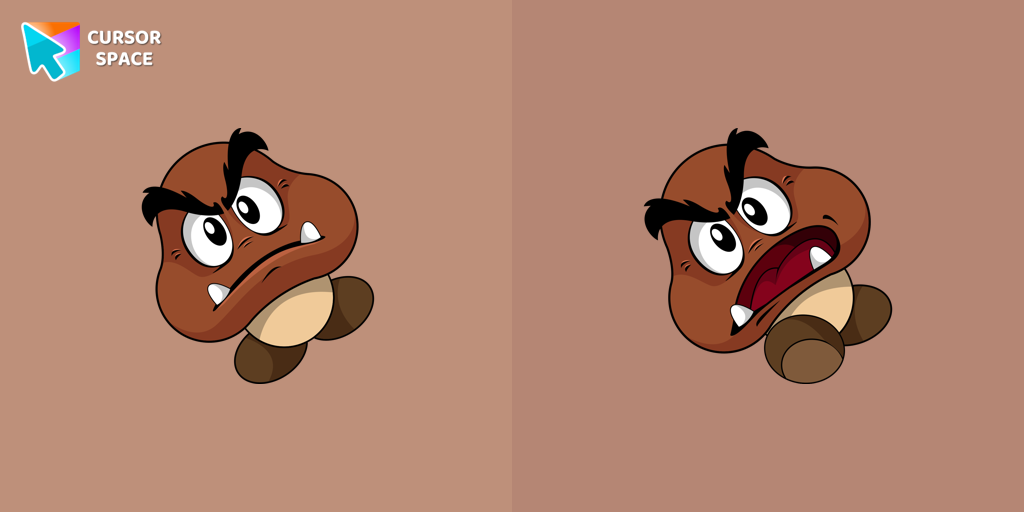
Attention Mario fans! One of the most recognizable foes from the beloved franchise, the Goomba, now has its own custom cursor. As a common adversary in the Mario games, Goombas are featured in nearly every title of the series. Now, you can bring the classic charm of these iconic enemies to your browser with the Goomba custom cursor from our Games collection.
No Mario game is complete without encountering these mischievous mushrooms, and now you can have them at your fingertips, quite literally! The Goomba cursor is compatible with Chrome, making it perfect for those who spend countless hours browsing the web.
With its custom design, the Goomba cursor adds a whimsical touch to your browsing experience. Every movement of your mouse will be accompanied by these familiar, rotund creatures, instantly transporting you to the vivid world of Mario. Whether you're navigating social media, browsing your favorite websites, or working on important tasks, the Goomba cursor will bring a smile to your face with its nostalgic charm.
Additionally, our custom cursors collection offers a variety of other game-themed cursors to choose from, allowing you to tailor your browsing experience to your favorite video games. Explore the collection to discover an array of characters and designs that will make your browser truly stand out.
Embrace the nostalgia and let the Goomba cursor become part of your everyday browsing routine. Show off your love for the Mario franchise and add a touch of fun to your online adventures with this delightful custom cursor.
What's included in the package
- Default Cursor
- Pointer (Hand)
How to install a custom cursor pack Goomba Cursor
Install the Cursor Space extension for Chrome or Cursor Space for Edge in your browser.
On this page, click "Add this cursor pack to the extension".
Open the extension and go to the Packs tab.
Find the custom cursor pack "Goomba cursor" and click it.
Enjoy!
Ready to install?
Get this cursor pack and thousands of others by installing our extension. It's fast and free!
Install for ChromeAbout this cursor pack
Goomba Cursor is a themed cursor pack you can add to your browser to personalize your pointer across common cursor states (default and pointer). Use it for everyday browsing, streaming, studying, or gaming-anywhere you want your cursor to match your vibe.
Instant preview
See how the cursors look before installing.
Easy install
Add the pack to the extension in a few clicks.
Works in your browser
Designed for Chrome and Edge via the extension.
FAQ
Quick answers to common questions about cursor packs, collections, and installation.
Do I need an extension?
Yes. To apply cursor packs in Chrome or Edge, install the Cursor Space extension and add this pack to it.
Which browsers are supported?
Cursor packs are designed for Chromium browsers like Chrome and Microsoft Edge.
How do I switch back to the default cursor?
Open the extension, choose another pack or disable the current one to return to your default cursor.
Can I try the cursor before installing?
Yes. Use the Try this cursor section on this page to preview default, pointer, and other states. Add the pack to the extension to use it across the web.
Can I download the cursor files?
Yes. Open Download files on this page for Arrow and Pointer PNG, JPG, and CUR (hotspot included). You can also copy CSS, Roblox, Unity, and Godot snippets.
Popular cursors today
Most installed packs in Game cursors - add them to Chrome or Edge in one click.
- Top 1
 Nago cursorNago, one of Kirby's animal friends, is a round and plump Japanese Bobtail. Originally designed for the game,
 - Top 2
 Cat-Bee cursorAdd charm to your screen with the Cat-Bee custom cursor, perfect for cat lovers and fans of quirky designs.
 - Top 3
 Waddle Dee cursorIntroducing the Waddle Dee custom cursor from our Games collection of cute cursors.
 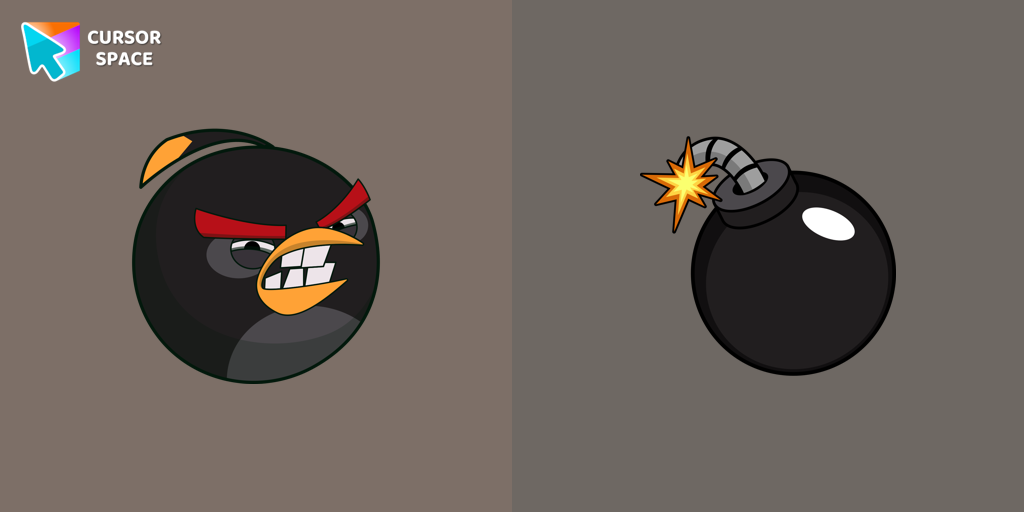 Angry Birds Bomb cursorExplore the Angry Birds Bomb custom cursor to bring your desktop to life. Perfect for fans seeking a unique browsing experience!
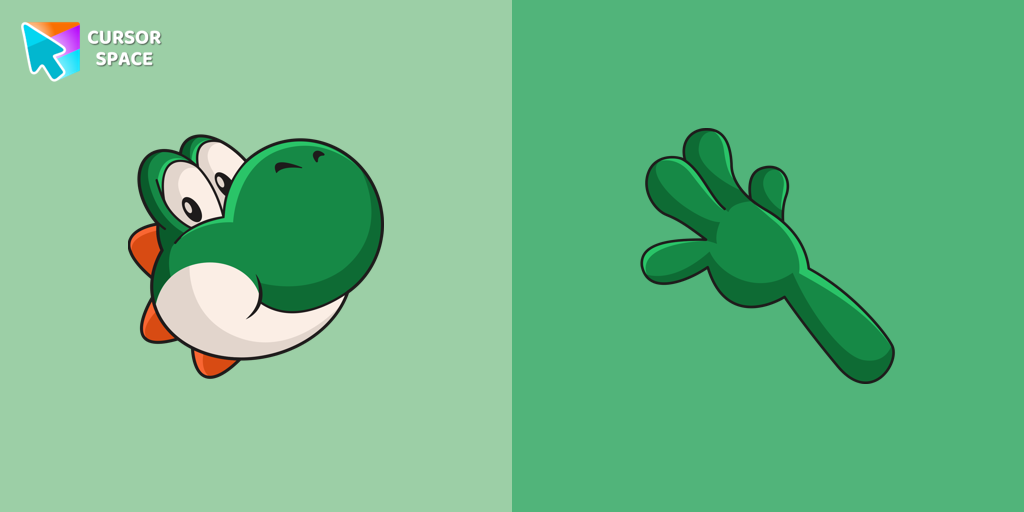 Yoshi cursorYoshi, the lovable dinosaur-like character, is both an ally of Mario and Luigi and a sidekick to Mario in the main series
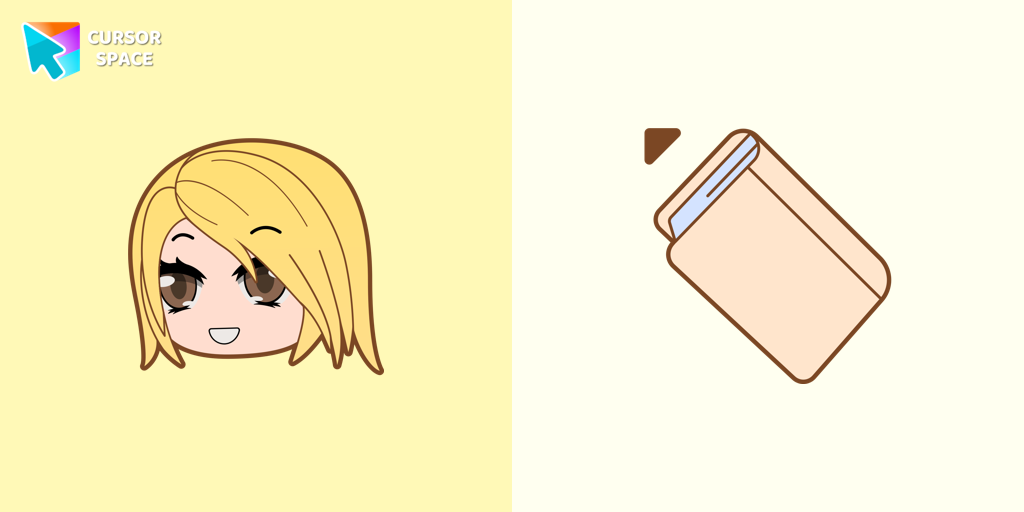 Alexa cursorAlexa cursor for mouse and custom hover pointer with the light pink book in a game collection of cursor space
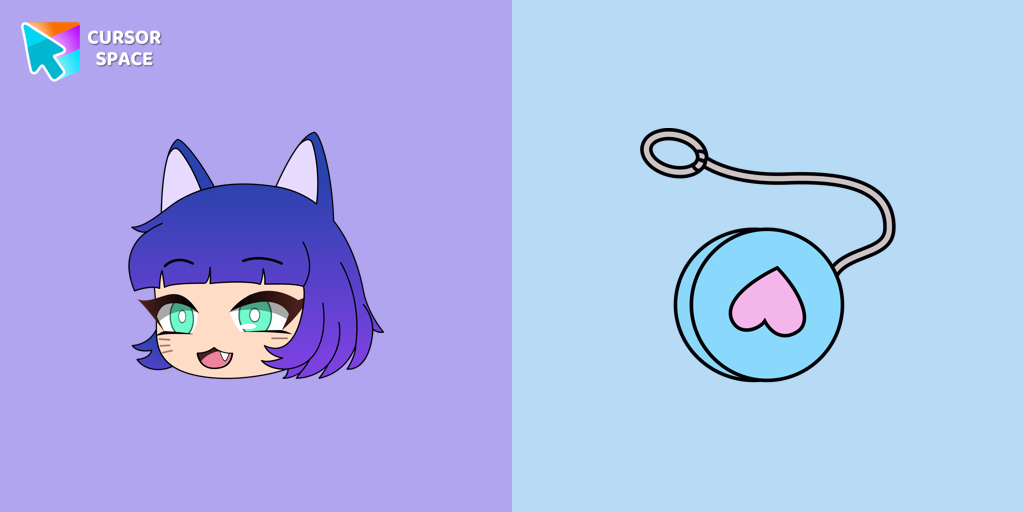 NPC in Gacha Life - Lado cursorAdd Gacha Life flair to your browser with the Lado custom cursor. Perfect for fans, it's part of our Mystery Space collection!
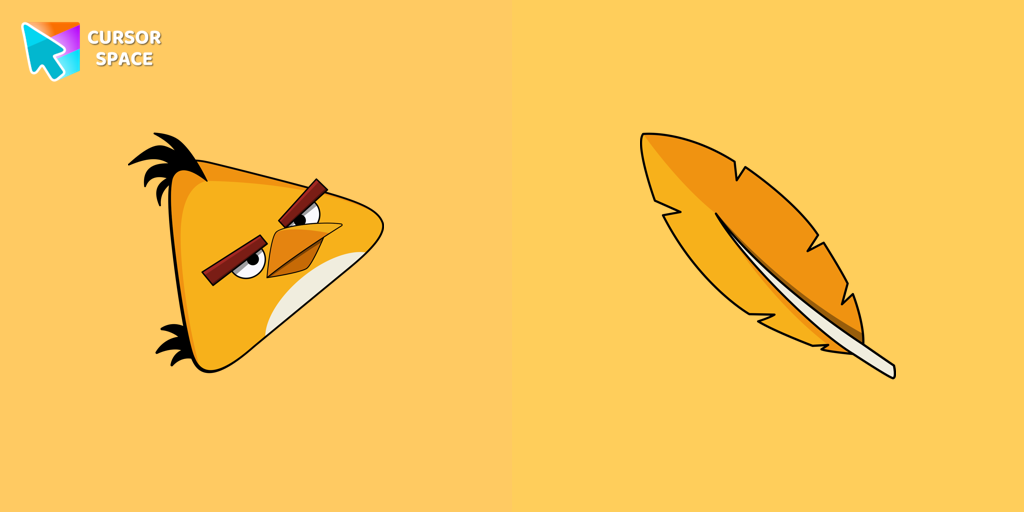 Angry Birds Chuck cursorChuck, an iconic character from the Angry Birds series, is now available as an adorable cursor in our collection.
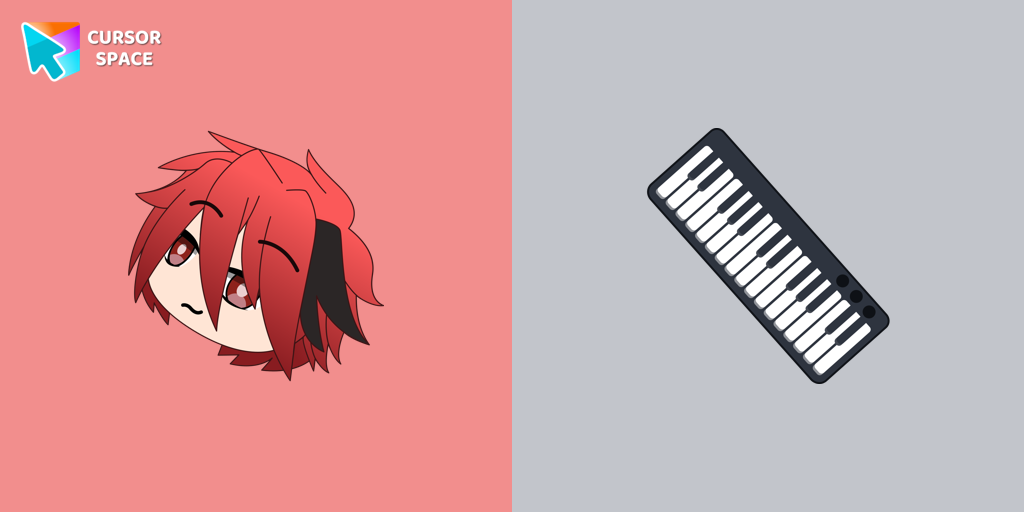 Gacha Life Ezra cursorPersonalize your browsing with Gacha Life's Ezra custom cursor, blending game love and style seamlessly.
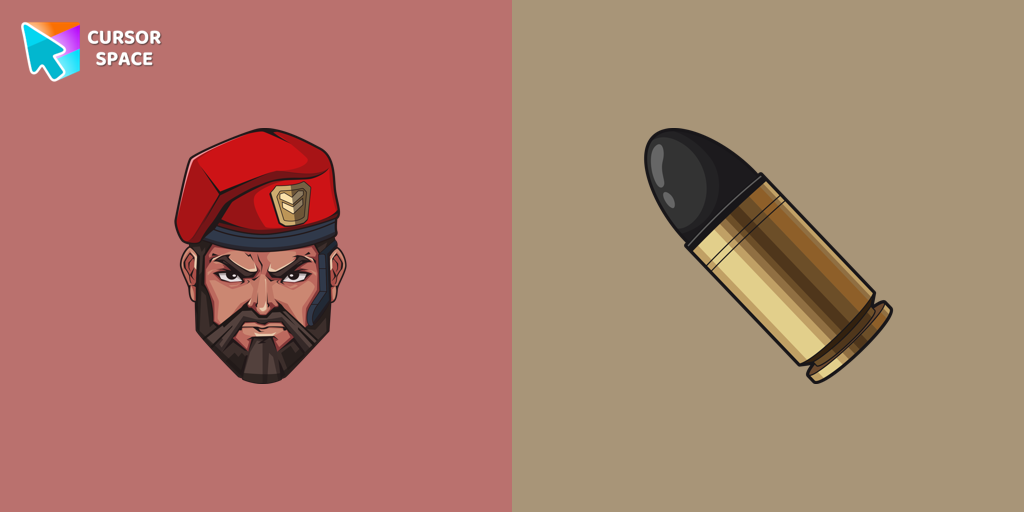 Brimstone cursorUnleash your inner gamer with a VALORANT Brimstone custom cursor for ultimate strategy.
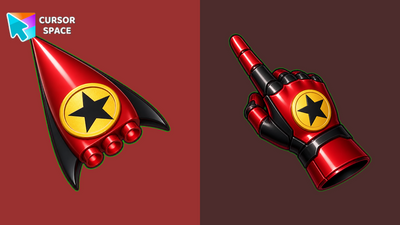 Crimson Hero Emblem Animated CursorCrimson Hero Emblem Animated Cursor - glossy red rocket arrow with sweeping metallic shine and thruster pulse.
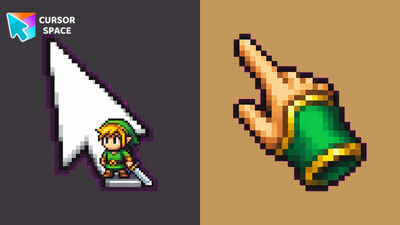 Pixel Hero Sword Animated CursorPixel Hero Sword Animated Cursor - retro green hero sword swing on a white arrow with a pixel gauntlet pointing hand.
Collection hits
Installation leaders from "Game cursors": free packs, neon/anime/pixel art, quick add to Chrome and Edge.
- Top 1Nago cursorNago, one of Kirby's animal friends, is a round and plump Japanese Bobtail. Originally designed for the game,
- Top 2Cat-Bee cursorAdd charm to your screen with the Cat-Bee custom cursor, perfect for cat lovers and fans of quirky designs.
- Top 3Waddle Dee cursorIntroducing the Waddle Dee custom cursor from our Games collection of cute cursors.
- Angry Birds Bomb cursorExplore the Angry Birds Bomb custom cursor to bring your desktop to life. Perfect for fans seeking a unique browsing experience!
- Yoshi cursorYoshi, the lovable dinosaur-like character, is both an ally of Mario and Luigi and a sidekick to Mario in the main series
- Alexa cursorAlexa cursor for mouse and custom hover pointer with the light pink book in a game collection of cursor space
- NPC in Gacha Life - Lado cursorAdd Gacha Life flair to your browser with the Lado custom cursor. Perfect for fans, it's part of our Mystery Space collection!
- Angry Birds Chuck cursorChuck, an iconic character from the Angry Birds series, is now available as an adorable cursor in our collection.
- Gacha Life Ezra cursorPersonalize your browsing with Gacha Life's Ezra custom cursor, blending game love and style seamlessly.
- Brimstone cursorUnleash your inner gamer with a VALORANT Brimstone custom cursor for ultimate strategy.
- Crimson Hero Emblem Animated CursorCrimson Hero Emblem Animated Cursor - glossy red rocket arrow with sweeping metallic shine and thruster pulse.
- Pixel Hero Sword Animated CursorPixel Hero Sword Animated Cursor - retro green hero sword swing on a white arrow with a pixel gauntlet pointing hand.
Install Cursor Space - A Collection of Custom Cursors for Chrome & Edge
Add packs instantly and unlock access to thousands of cursors: neon, anime, pixel-art, and more. Fast, safe, and free.
- Free cursor packs
- HD/HiDPI & animated icons
- Quick browser installation
Cursor Space is an extension for changing your mouse cursor in Chrome and Edge browsers: themed collections, HiDPI icons, neon, animated, and pixel cursors, with quick installation.